Walk the house. Post the reel.
Reacut turns a phone walkthrough into a branded listing video before you are back in the car. AI writes what you say on camera and narrates what you shot. No timeline, no desktop suite.
iPhone & Android1080 × 1920 verticalAI script & voice
Every room is already a clip.
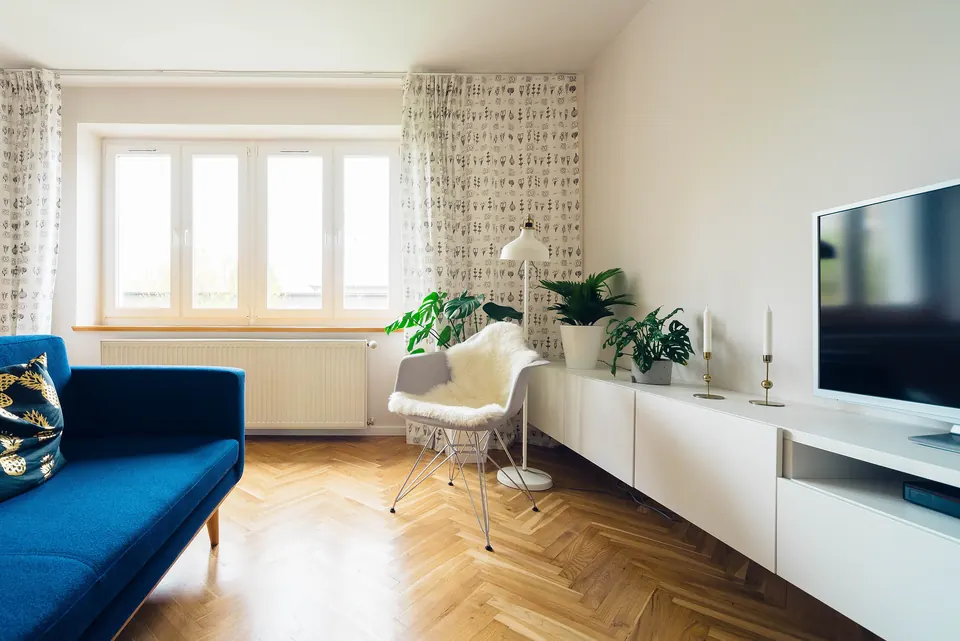
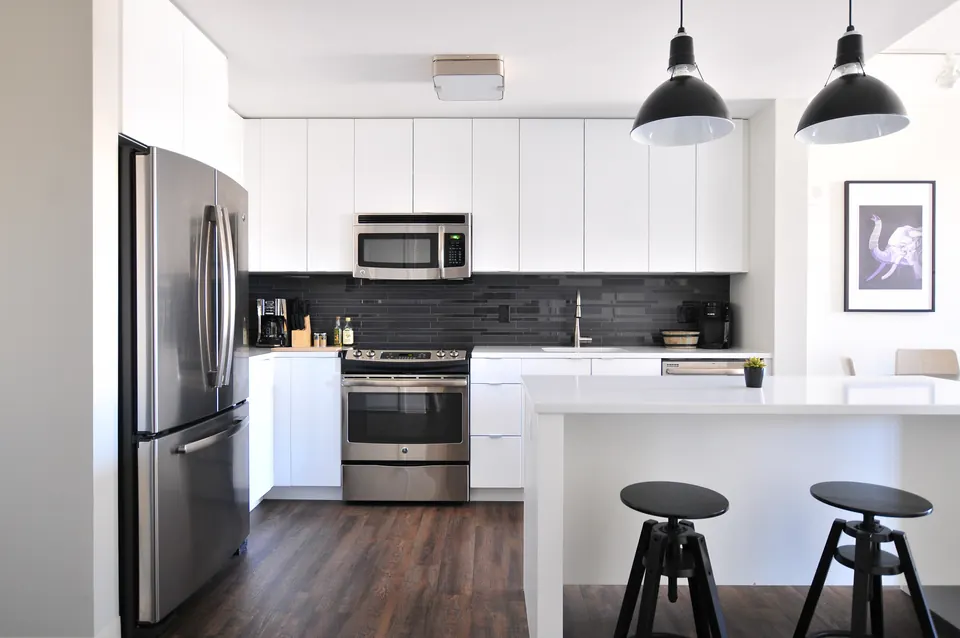
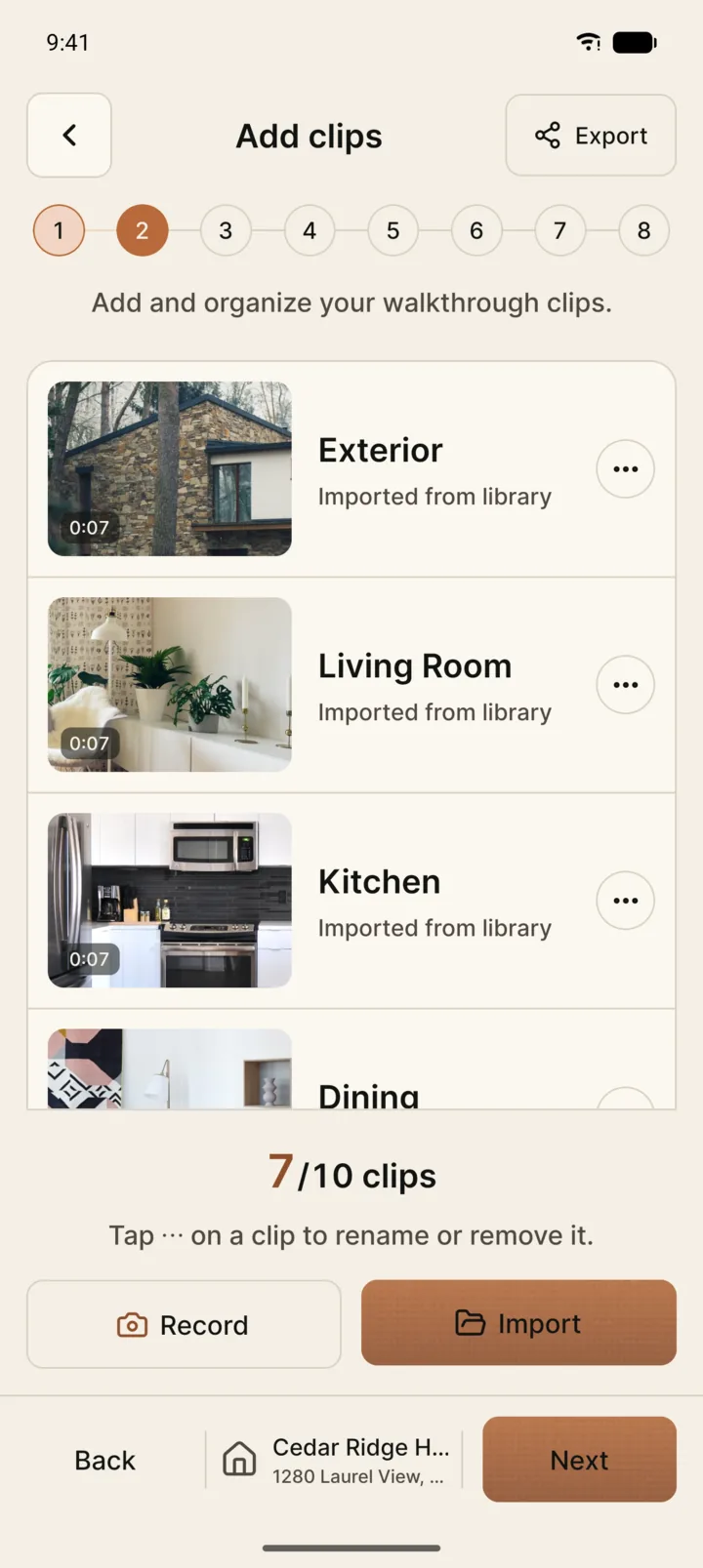
Record in the app or pull from the camera roll. Reacut keeps the walkthrough in order and never asks you to think in tracks.
- In-app cameraShoots 1080p with a frame guide showing exactly what the vertical export keeps.
- Camera roll importBring in footage you already have and mix it with fresh takes. Up to 10 clips per video.
- Clip orderingLong-press any clip and move it. The reel plays rooms in the order you set.
- Trim and colourCut the start and end of each clip, then tune brightness, contrast and saturation.
AI teleprompter
Know your lines before you hit record.
Describe the home and pick a tone. Reacut drafts the script from the listing’s facts, then scrolls it over the camera while you film, lighting each word as you read it.
- Confident
- Persuasive
- Friendly
- Luxurious
- Energetic
- Professional
- Sized to your pacePick 15 to 60 seconds. The prompter scrolls at your reading speed, word by word.
- Only the listing's factsNothing invented and fair-housing safe: it describes the home, never who should live there.
Eight steps. That is the whole editor.
The same rail runs across every screen, so you always know what is left. Cut, fade, flash, slide or zoom between rooms, and leave in the middle of step five to come back to step five.
- Pick the listing
- Add clips
- Arrange & transitions
- Choose the banner
- Perform the speed
- Intro & outro
- Sound & AI narration
- Export & share
Perform the speed. Do not type it in.
Hold the joystick and ride the pace of the walk — slow through the kitchen, quick down the hall. The clip keeps the performance, not a number.
Or grab the copper knob beside the phone.
AI narration
A voiceover that watches the footage.
AI looks through your clips and writes narration that follows the walk, timed to fit. Change a line, then give it a voice in one tap.
- It watches the footageNarration follows what is on screen, room by room, for one clip or the whole video.
- Natural voicesA female or male voice lands on the timeline as a sound layer you can trim and mix.
- Or read it yourselfRecord with the words on screen. Your own cloned voice is coming soon.
- English and TurkishWritten in the app's language, timed to fit the clip it belongs to.
Your name on every frame.
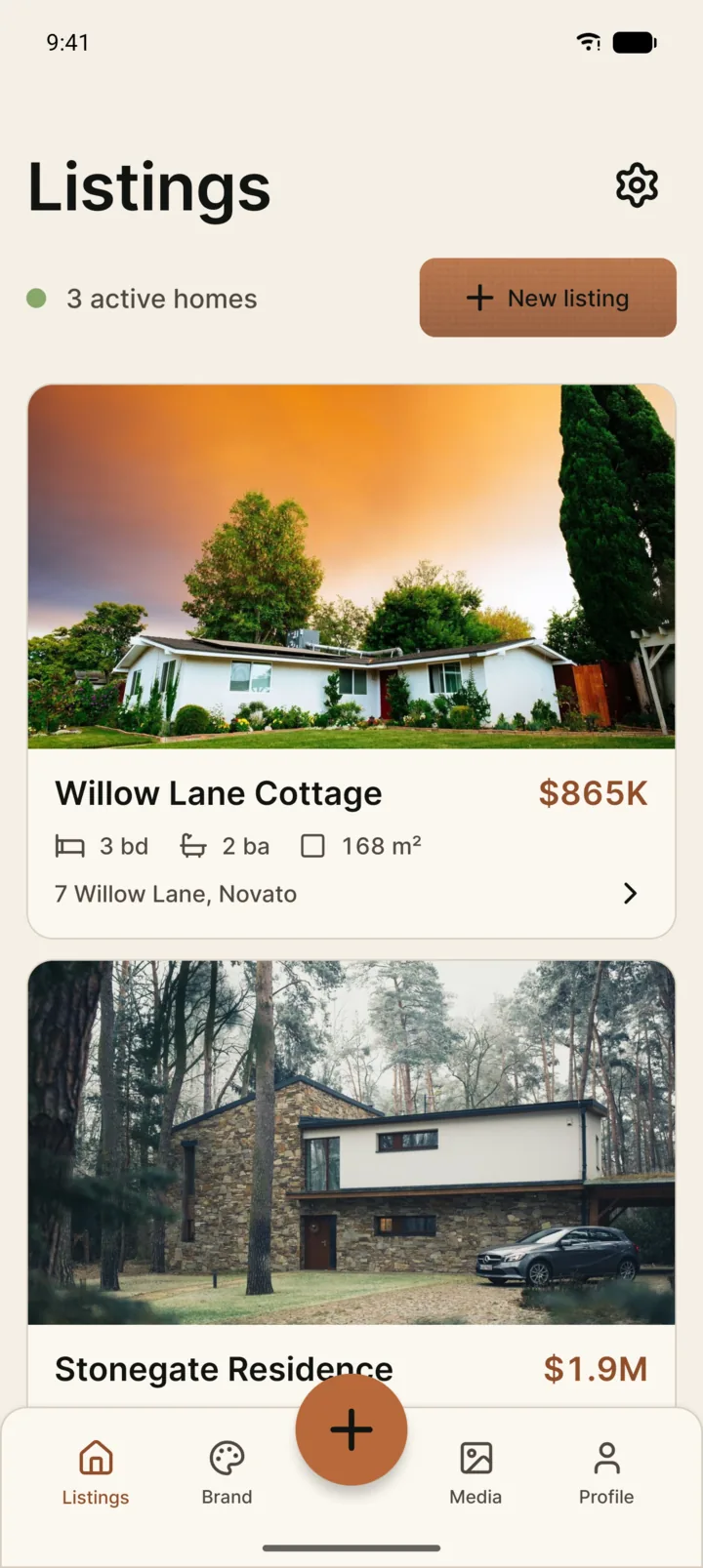
The banner is built from the listing and your brand kit, not retyped per video. Swipe through five styles, then open and close on cards with your headshot and a call to book a viewing.
- Signature
- Capsule
- Editorial
- Price tag
- Property card
From the listing
- Price
- Beds & baths
- Area
- Address
From your brand kit
- Headshot
- Brokerage
- Phone
- Accent colour
Render. Save. Share.
1080×1920 straight to Photos, then out to Instagram, TikTok, or the system share sheet. It takes less time than the drive home.